Seedance 2.0 Generate AI Video
- 4.3
- Rating
- 10.00K
- Installs
- Free
- Price

 Analysis by App-foxy
Turning a still image or a short idea into a moving scene is the central appeal of Seedance 2.0 Generate AI Video. I approached it less like a full video editor and more like a quick visual sketchbook: I provide an image, add text to describe the motion or mood I want, and let the app build a short AI video around that starting point. That distinction matters. It is most useful when I need to explore a visual concept quickly, not when I am trying to finish a polished, carefully edited production.
The app sits in the Art & Design category and is made by imotion.ai. It is free to install, with optional purchases ranging from $0.49 to $84.99 per item. Its age rating is Everyone, so the basic concept is approachable for a broad audience. I would recommend trying it if you regularly create social posts, mood boards, visual pitches, or simple animated scenes and want to move beyond static artwork without learning a traditional timeline editor first.
Image-to-video creation is the feature that defines the experience
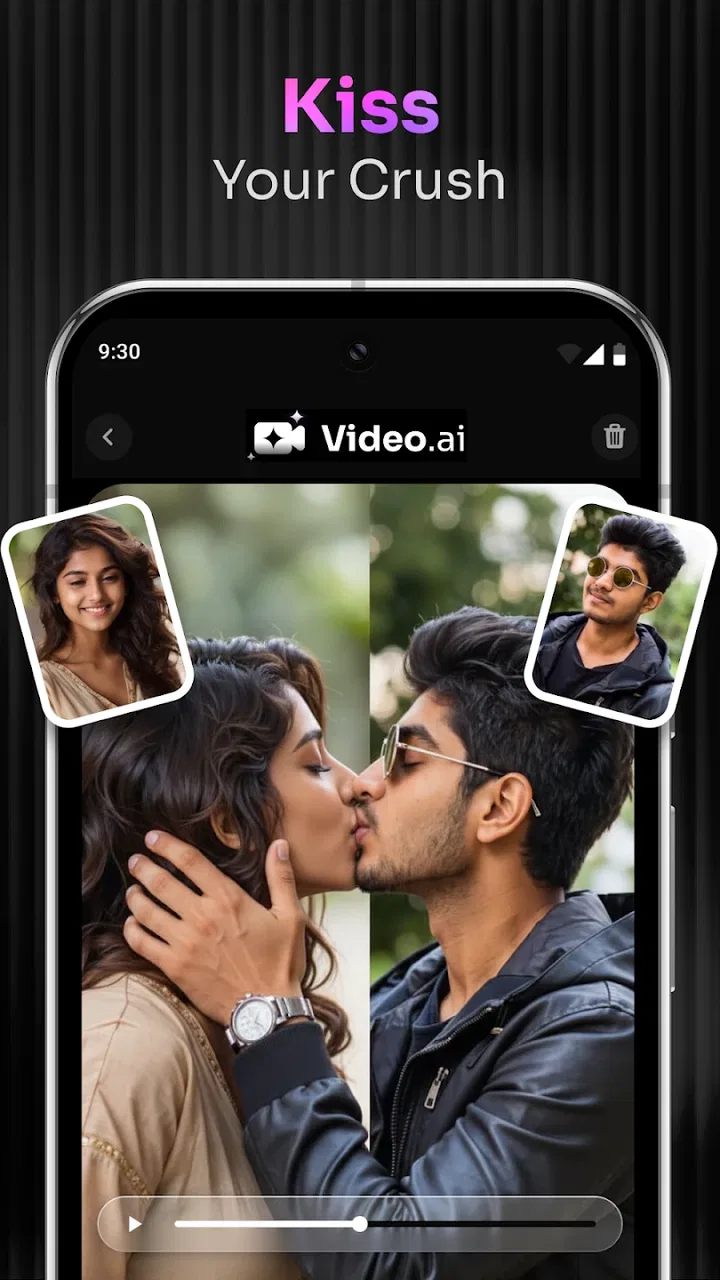
The strongest idea here is not simply “AI makes a video.” It is the relationship between a source image and a written direction. A photograph, illustration, product image, character design, or landscape becomes the visual anchor, while the text tells the generator how that anchor should behave. In practice, this makes the app feel closer to directing a tiny scene than assembling clips manually.
You May Also Like

 AccuWeather: Weather Radar
AccuWeather Review: A Quick, Clear Forecast for Everyday Decisions
For everyday plans, the best forecast is the one you can understand quickly. AccuWeather makes rain timing, radar, and local conditions easy to act on, with a few trade-offs.

 Hill Climb Racing
Why Hill Climb Racing Still Turns Crashes Into One More Run
A tiny car, a bumpy hill and one more upgrade: Hill Climb Racing keeps resurfacing because its simple chaos makes every near-miss feel personal.

 AliExpress - Shopping App
AliExpress Makes Global Shopping Feel Personal, but Shoppers Bear the Risk
AliExpress turns a global marketplace into a pocket-sized discovery engine. Its reach is useful, its shopping loop compelling, and its trade-offs easy to miss.

 Lords Mobile: Kingdom Wars
Lords Mobile Is a Kingdom-Building Routine, Not a Quick Match
A case-by-case verdict on the building, battles, device demands, and social commitments that make Lords Mobile rewarding for some players and exhausting for others.

 PDF Scanner app - TapScanner
TapScanner Makes Paperwork Easier to Capture, Check, and Share
TapScanner makes scanning with a phone feel less like a rescue operation and more like a dependable step in getting work done. Its capture tools are useful, though not flawless.

 Block Blast!
 Shows How Much a Puzzle Game Can Leave Out
A quiet grid game shows why puzzle players increasingly value instant clarity, repeatable skill and low-pressure play—and where the genre still needs to catch up.
More From Our News Desk
View All News


I found that the starting image has a bigger effect on the result than many first-time users may expect. A clear subject with a readable shape gives the system something stable to work with. If the picture already contains a strong pose, obvious foreground and background, or a distinct object, the generated movement has a better chance of feeling intentional. A crowded image with several equally important subjects gives the text prompt more work to do, and the final motion can feel less controlled.
The text prompt is also more useful when it describes movement and atmosphere rather than repeating what is already visible. Instead of writing only “a woman in a city,” I would describe a slow camera push, wind moving her coat, reflections passing across wet pavement, or a calm evening mood. This does not turn the app into a precise animation tool, but it gives the generation a clearer direction.
The practical advantage is speed of visual experimentation. I can test an idea that would otherwise require keyframes, stock footage, compositing, or a separate motion-design workflow. That is especially helpful at the beginning of a project, when I am deciding whether a concept deserves more time. The result can act as a visual reference even when it is not the final asset.
This focus separates the app from ordinary mobile video editors. A conventional editor is better when I already have footage and need exact cuts, captions, transitions, audio timing, or color adjustments. Seedance 2.0 Generate AI Video is better at answering a different question: “What might this image look like if it came alive in this particular way?”
How I would prepare an image before generating
I get more consistent results when I treat the source image as a composition, not merely as an upload. A subject placed clearly against a simple background gives the generated movement room to breathe. For a product concept, I would use a clean product shot rather than a busy shelf photograph. For a character, I would choose an image where the face, clothing, and silhouette are easy to recognize.
Another useful habit is to decide what should remain still. If the prompt asks everything to move, the result may lose the visual hierarchy of the original picture. I prefer to identify one main action and one supporting detail: for example, a camera drifting toward a storefront while a sign flickers, or a portrait remaining centered while hair moves gently in the breeze. This creates a more believable request than stacking several unrelated actions into one sentence.
Text also works best when it establishes a sense of direction. Words such as “slowly,” “gently,” “toward the subject,” or “across the frame” are more actionable than a list of adjectives. I would not expect the app to obey every cinematic instruction perfectly, but this approach reduces ambiguity and makes the output easier to evaluate.
For anyone wondering whether artistic skill is required, my answer is no, but visual judgment still helps. The app can generate motion from a simple image, yet it cannot replace the decision about what deserves attention. Beginners can start with plain language and learn by comparing results. More experienced creators will probably spend less time asking for elaborate scenes and more time refining the source image and the single most important movement.
A realistic everyday workflow for social content
Imagine I run a small café and have one attractive photograph of a new seasonal drink. I could use the image as the visual base and ask for a restrained movement: a slow approach toward the glass, soft light shifting across the table, and a little motion in the background. The generated clip could become a draft for a social post or a visual idea for a menu announcement.
The important word is “draft.” I would still check the result carefully before publishing. AI-generated motion can introduce changes that are easy to miss at first glance, especially around fine details, lettering, hands, faces, or objects with complicated edges. If the image includes a logo or readable product text, I would be particularly cautious. A visually attractive animation is not automatically a dependable commercial asset.
This workflow is valuable because it lets a small creator explore several moods without hiring a motion designer for every experiment. One version might feel calm and premium, another energetic, and another more atmospheric. The app helps answer which direction is worth developing, while a conventional editor remains useful for adding the final message, soundtrack, timing, and brand elements.
The same approach works for an illustrator presenting a new character, a real-estate creator giving a still room image a little life, or a teacher making a visual explanation more engaging. In each case, the app is strongest when the goal is a short, attention-catching transformation rather than a long narrative with many controlled scenes.
Where the app fits beside familiar alternatives
Compared with a standard mobile editor, this app removes much of the manual work involved in creating motion from a still. I do not need to build a camera move with keyframes before seeing whether the idea works. That makes it faster for concepting, but the trade-off is control. A timeline editor lets me specify exactly when an element moves, how far it travels, and where the transition ends. AI generation gives me a result to judge rather than a set of precise controls to adjust.
It also differs from template-based social video tools. Templates are predictable and efficient for repeatable formats, while image-to-video generation is more exploratory. If I need ten branded posts with identical timing, a template editor is likely the better choice. If I have one unusual illustration and want to discover a movement style that was not already designed into a template, Seedance 2.0 Generate AI Video is more interesting.
Traditional animation software remains preferable for projects where character consistency, exact poses, or frame-by-frame decisions are essential. The app can help me create a reference or an early mood test, but I would not choose it as the only tool for a production that depends on repeatable visual continuity across many shots.
What using it feels like, and where the compromises appear
The experience is appealing because the learning curve is lighter than that of professional video software. I can think in terms of an image and an instruction instead of tracks, layers, masks, and keyframes. That makes it approachable for people who have a clear visual idea but do not want to study editing terminology before testing it.
At the same time, simplicity can hide uncertainty. A prompt that sounds precise to me may still leave several possible interpretations. I might ask for a gentle camera movement and receive something more dramatic than intended. I might request a subject to remain recognizable and find that small details shift during the animation. This is not a reason to dismiss the app; it is a reason to treat each generation as an interpretation rather than a guaranteed command.
My best advice is to judge the output against the original purpose. If I am exploring a mood, a rough but expressive result may be successful. If I need a product demonstration where the object must remain exact, the same unpredictability becomes a serious weakness. The app rewards flexible creative goals and punishes requirements that depend on perfect continuity.
There is also a practical cost to relying on repeated attempts. Although the app is free to install, its optional purchases can range from $0.49 to $84.99 per item. I would therefore avoid generating casually without a plan, especially if a project may require many variations. Before spending, I would first improve the source image and rewrite the prompt so each attempt tests a clear change rather than producing another random variation.
That approach is one of the more important trade-offs. The app can save time compared with manual animation, but it can also encourage endless experimentation. A creator who keeps regenerating without deciding what success looks like may spend more time sorting possibilities than making progress. I find it more useful to define a small target: one camera motion, one mood, and one intended use for the clip.
Users may also wonder whether the app is suitable for a complete video project. In my view, it is best treated as one stage in a broader workflow. I would use it to create a moving visual, then rely on an editor for trimming, sequencing, text placement, sound, and final presentation. That division of labor plays to its strength without expecting it to replace every other tool.
Three ways to get more from the generator
First, I would create a “motion brief” before typing the prompt. I would write down the subject, the main movement, the camera behavior, and the mood in that order. This prevents the instruction from becoming a pile of decorative words. It also makes it easier to compare two attempts because I can change one part while keeping the rest stable.
Second, I would use the app for visual transitions between ideas, not only for isolated hero images. A still illustration of a quiet room could become a short atmospheric bridge before a presentation moves into the next topic. An image of a finished design could gain a subtle reveal for a portfolio preview. These uses are less demanding than asking the system to portray a complex action, yet they can make static material feel more alive.
Third, I would inspect every frame area that carries meaning. Faces, fingers, signs, packaging, architectural lines, and repeated patterns deserve a closer look than a quick glance at the overall composition. A clip can feel convincing from a distance while containing distracting changes in a key detail. This is especially important when the video represents a real product, person, or location rather than an imaginary scene.
A fourth habit is to keep the source image and the prompt aligned. If the picture suggests a close portrait but the text asks for a wide chase scene, the request contains a built-in conflict. I would either choose a wider image or reduce the movement to something that suits the framing. The app can be imaginative, but it still benefits from a coherent starting point.
Who will benefit most from this particular approach
I think the best audience includes social creators, illustrators, students, small businesses, and anyone who needs a quick animated concept from existing artwork. It is especially attractive to people who are comfortable making creative decisions but do not want to learn a full motion-graphics application. The free entry point makes it easy to test the basic workflow before deciding whether the optional purchases fit a regular project.
It can also help a designer communicate an idea to someone else. A moving sketch often explains a proposed interaction or atmosphere more clearly than a still image. Even when the generated clip is not used publicly, it can help a team discuss pacing, focus, and visual tone earlier in the process.
I would be more cautious about recommending it to professional editors who need exact timing, dependable continuity, or a large amount of manual control. They may find the generation step useful, but a conventional editor or dedicated animation tool will usually be better for the finishing work. I would also suggest skipping it if the main goal is simply to cut existing footage, add music, or produce a repeatable branded format; those tasks do not take advantage of its defining capability.
The app is compatible with Android 7.0 and later, which makes the basic requirement fairly accessible for supported Android devices. It is currently at version 0.3.2, so I approach it as an evolving creative tool rather than a mature replacement for an established editing suite. The current average is 4.3 from over nine hundred ratings, with more than seventy written reviews, and the app has passed ten thousand installs. Those figures suggest a growing audience, but I would still judge it by whether its experimental style matches my own workflow.
My final take after focusing on the core use
Seedance 2.0 Generate AI Video is most convincing when I use it to turn a strong still image into a quick visual idea. Its value lies in shortening the distance between “I wonder how this could move” and “I can see a version of it now.” That is a meaningful advantage for creative exploration, social drafts, presentations, and early concept work.
I would not describe it as a replacement for a complete video editor, nor would I trust every generated detail without inspection. The results depend heavily on the source image, the clarity of the motion request, and my willingness to treat the output as something to review rather than accept automatically. Optional purchases also make a disciplined workflow sensible.
For me, the right recommendation is straightforward: try it if your raw material is an image and your main challenge is imagining motion. Start with one clear subject, request one dominant movement, and use the result as a draft or visual experiment. If you need exact control, consistent characters, or a finished multi-scene production, choose a traditional editor alongside it or instead. Used within that boundary, this Art & Design app offers a genuinely convenient way to make still ideas feel active.
FAQs for Seedance 2.0 Generate AI Video
01What is Seedance 2.0 Generate AI Video?
Seedance 2.0 Generate AI Video is an innovative app that uses artificial intelligence to create unique and engaging video content. Users can input images, text, or music, and the app will generate a customized video. It's ideal for content creators looking for an easy way to produce quality videos without extensive editing skills.
02How does the AI video generation process work?
The app leverages advanced AI algorithms to analyze your input—whether it’s images, text, or audio—and then generates a coherent video. The AI optimizes transitions, effects, and timing to ensure your video looks professional. This process is designed to be user-friendly, requiring minimal input while delivering maximum creativity.
03Is Seedance 2.0 Generate AI Video free to use?
Seedance 2.0 offers a free version with basic features, allowing users to try out the app without any cost. However, for advanced features, such as higher resolution outputs and additional effects, there may be in-app purchases or subscription options. It’s best to check the app’s pricing model for specific details.
04What are the system requirements for Seedance 2.0?
For optimal performance, Seedance 2.0 requires a device running on Android version 8.0 or iOS 12.0 and above. It’s also recommended to have a minimum of 2GB of RAM and ample storage space to handle larger video files. Ensure your device meets these specifications for a smooth experience.
05Can I share the videos created with Seedance 2.0 on social media?
Yes, videos generated with Seedance 2.0 can be easily shared across various social media platforms. The app includes built-in sharing options for platforms like Instagram, Facebook, and TikTok, allowing users to showcase their creations with just a few taps. This feature makes it convenient for users aiming to engage their audience quickly.
Pros
- User-friendly interface for easy navigation.
- High-quality AI-generated video outputs.
- Wide range of customization options.
- Efficient processing with fast results.
- Compatible with both Android and iOS.
Cons
- Requires a stable internet connection.
- Limited free features before upgrade.
- Occasional AI glitches in complex scenes.
- High battery usage during video generation.
- In-app purchases can be expensive.

Seedance 2.0 Generate AI Video
Gallery